
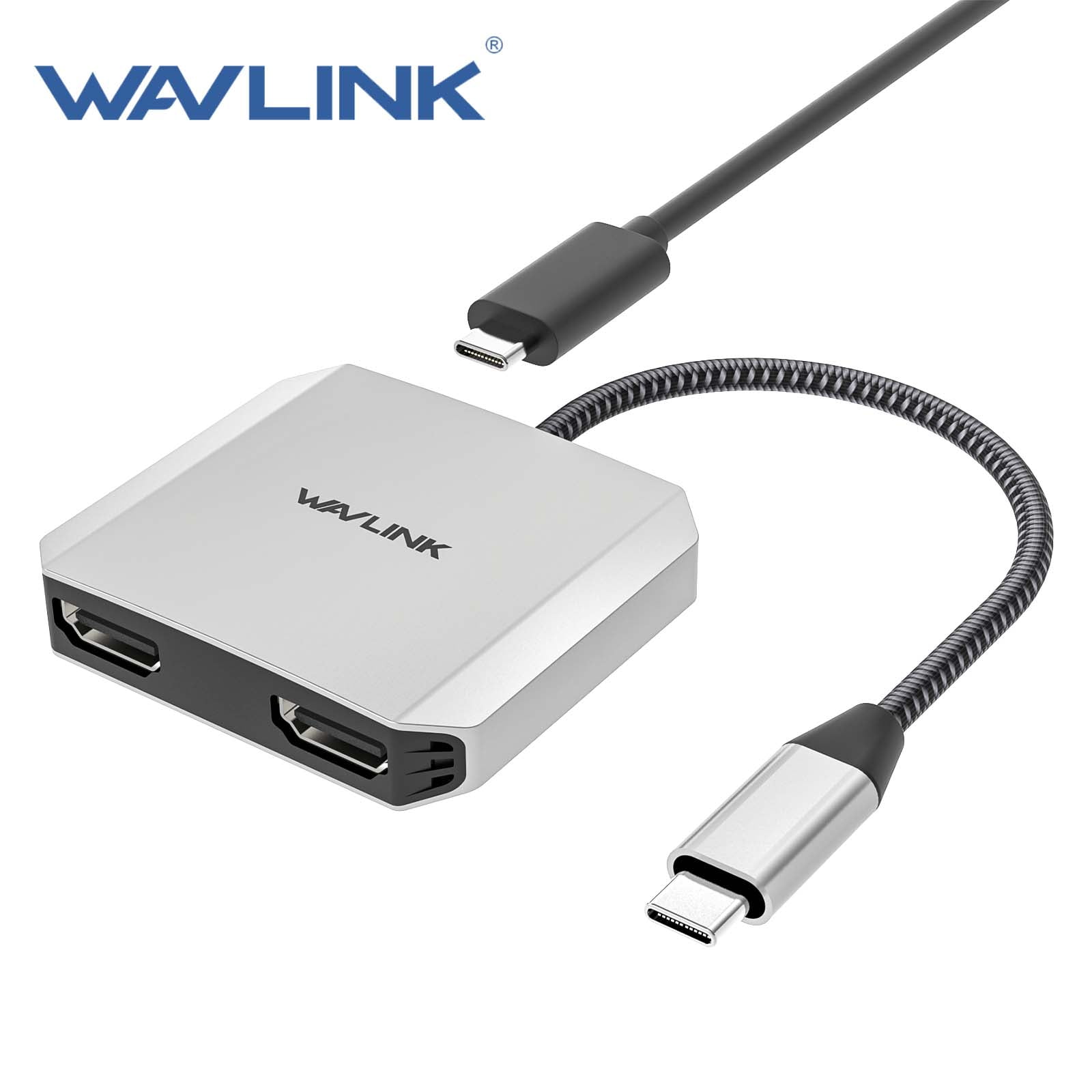
WAVLINK 4K@60Hz USB Hub, USB to Dual HDMI Adapter with 87W Charge for MacBook/Dell/HP/Lenovo Laptop
Product details
| Management number | 230512913 | Release Date | 2026/06/18 | List Price | $10.00 | Model Number | 230512913 | ||
|---|---|---|---|---|---|---|---|---|---|
| Category | |||||||||
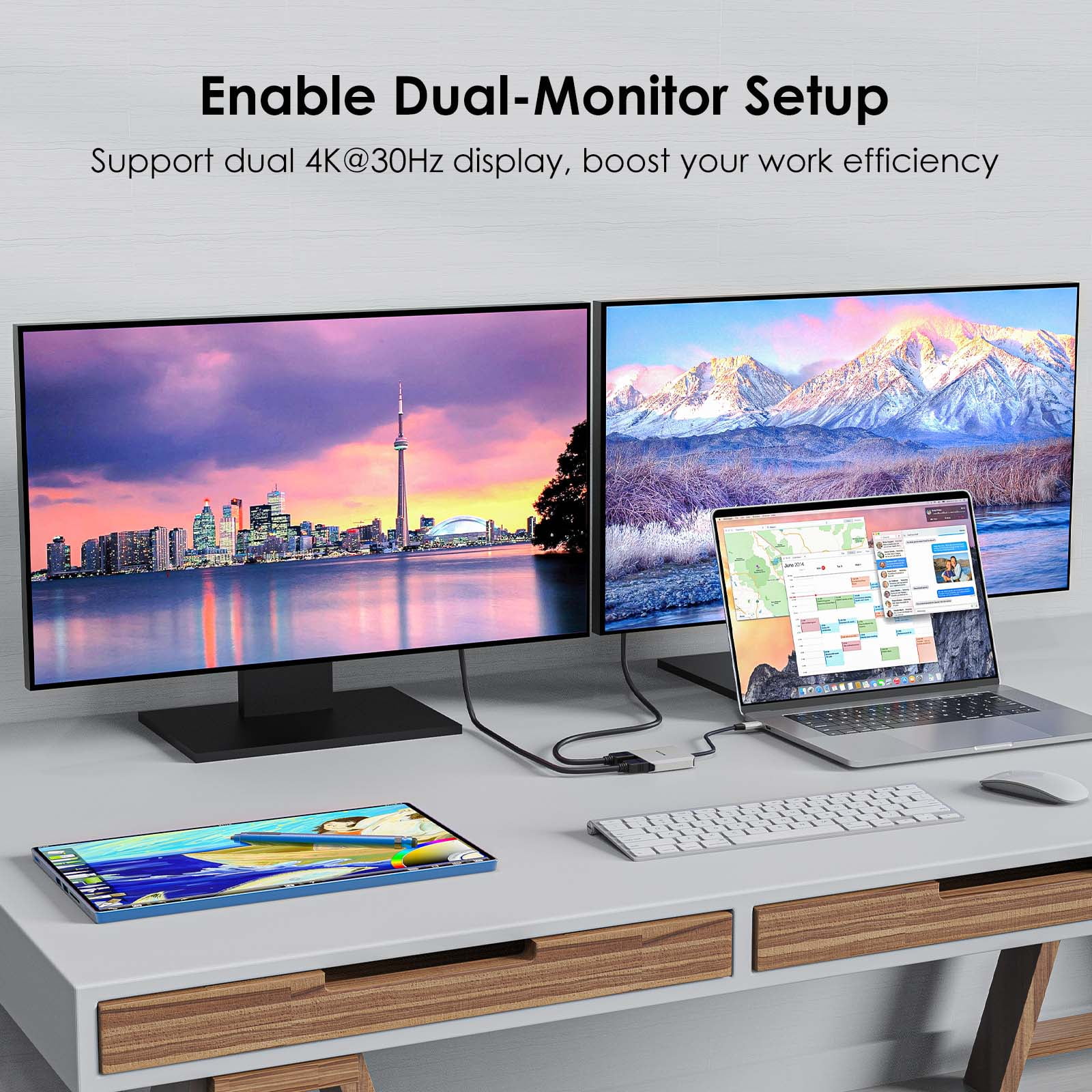
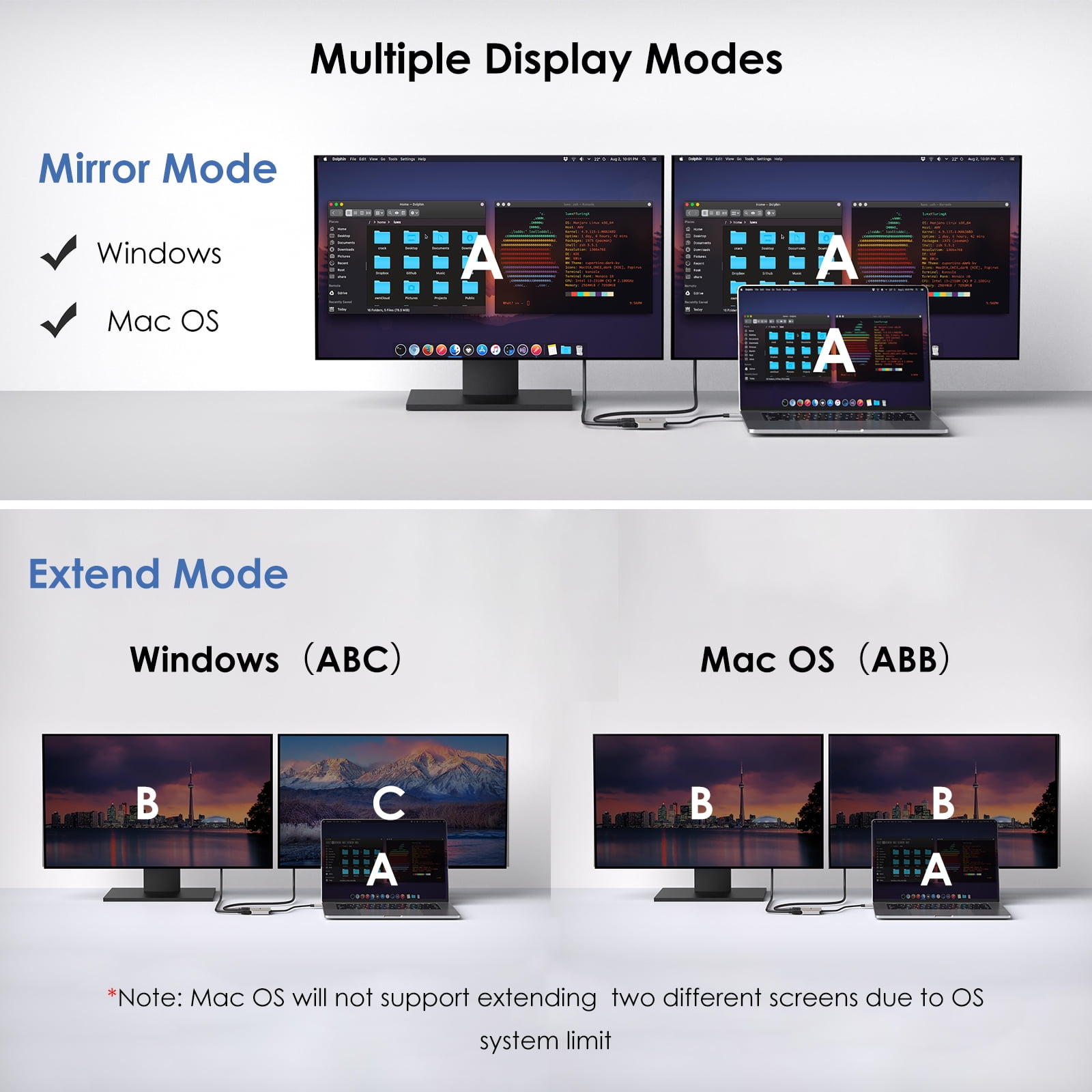
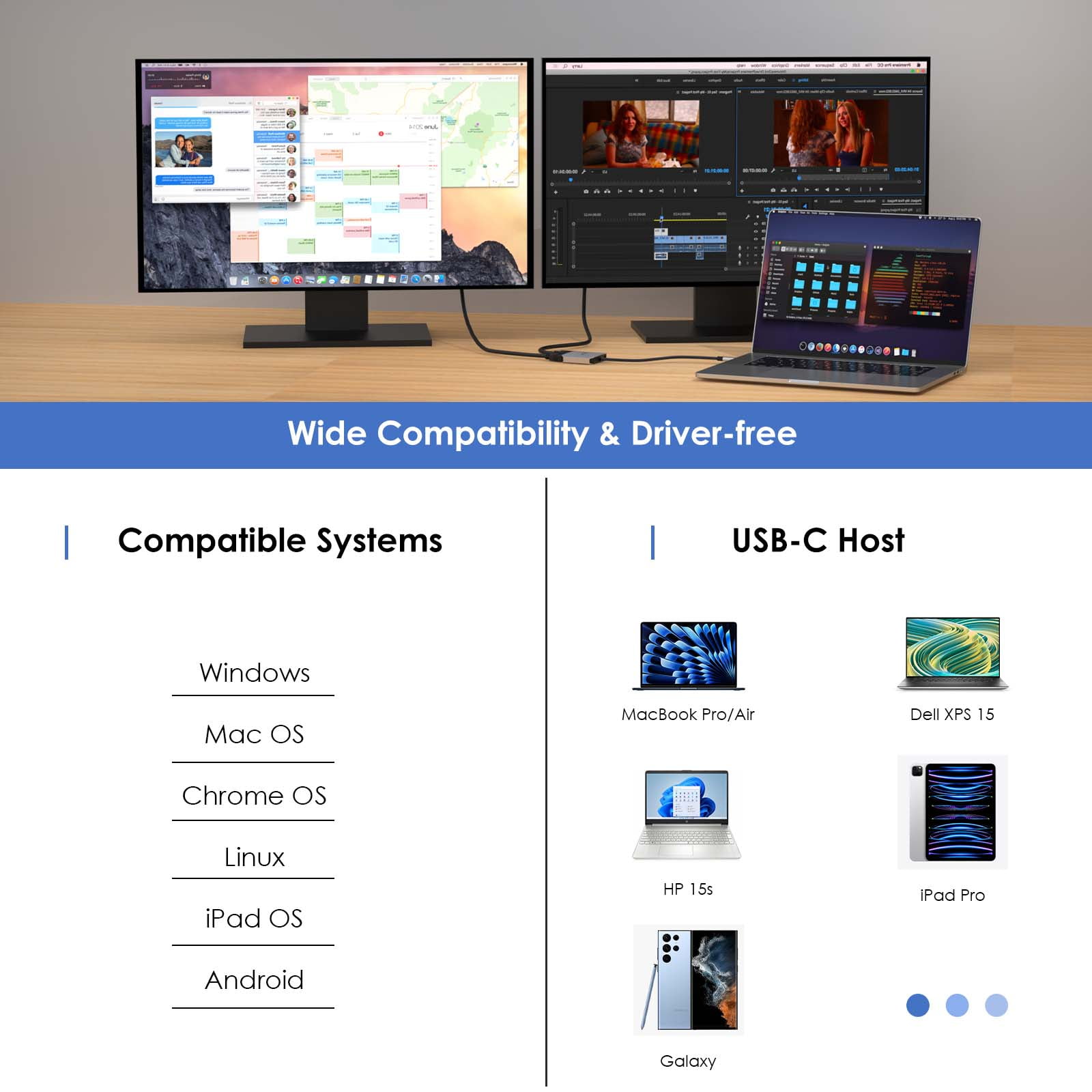
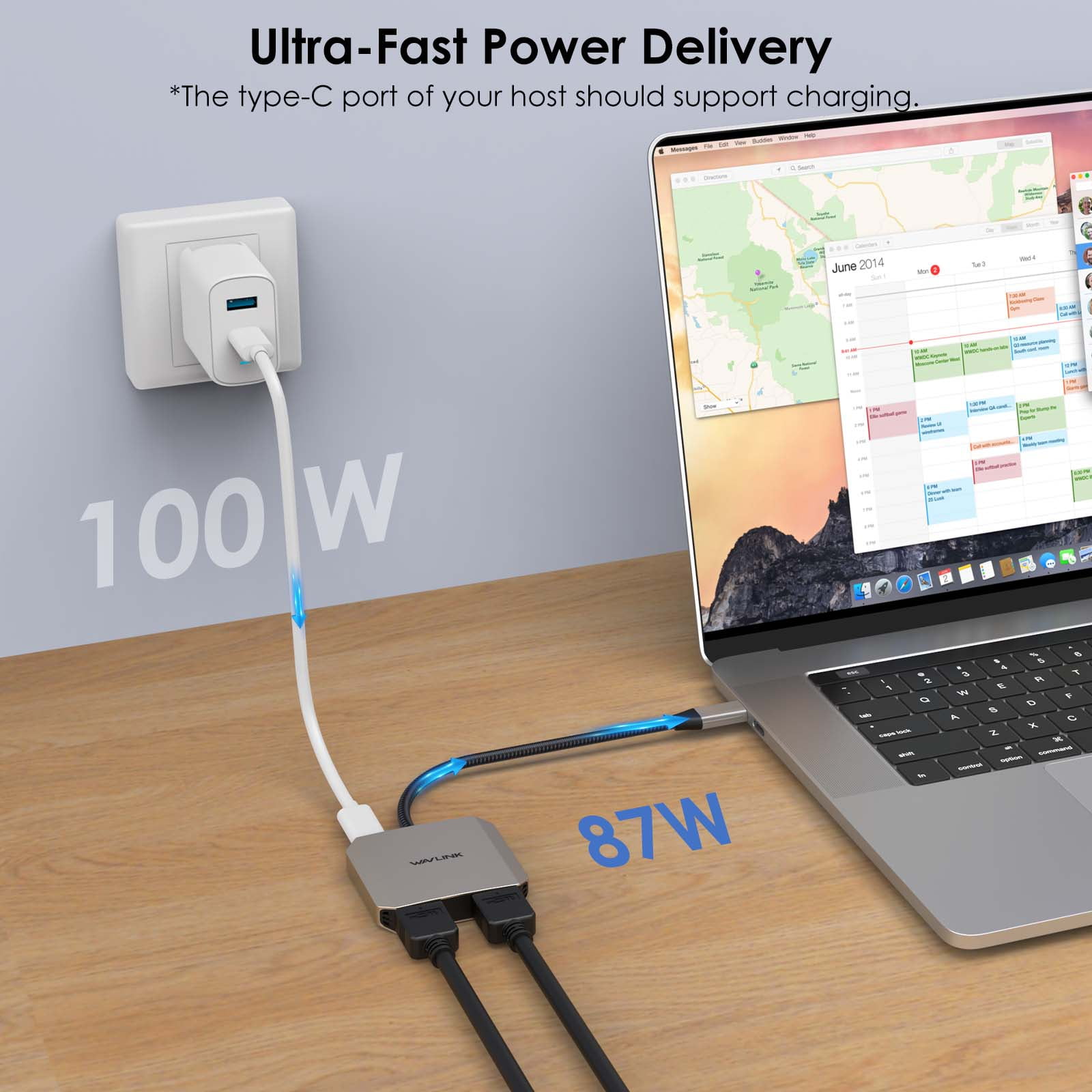
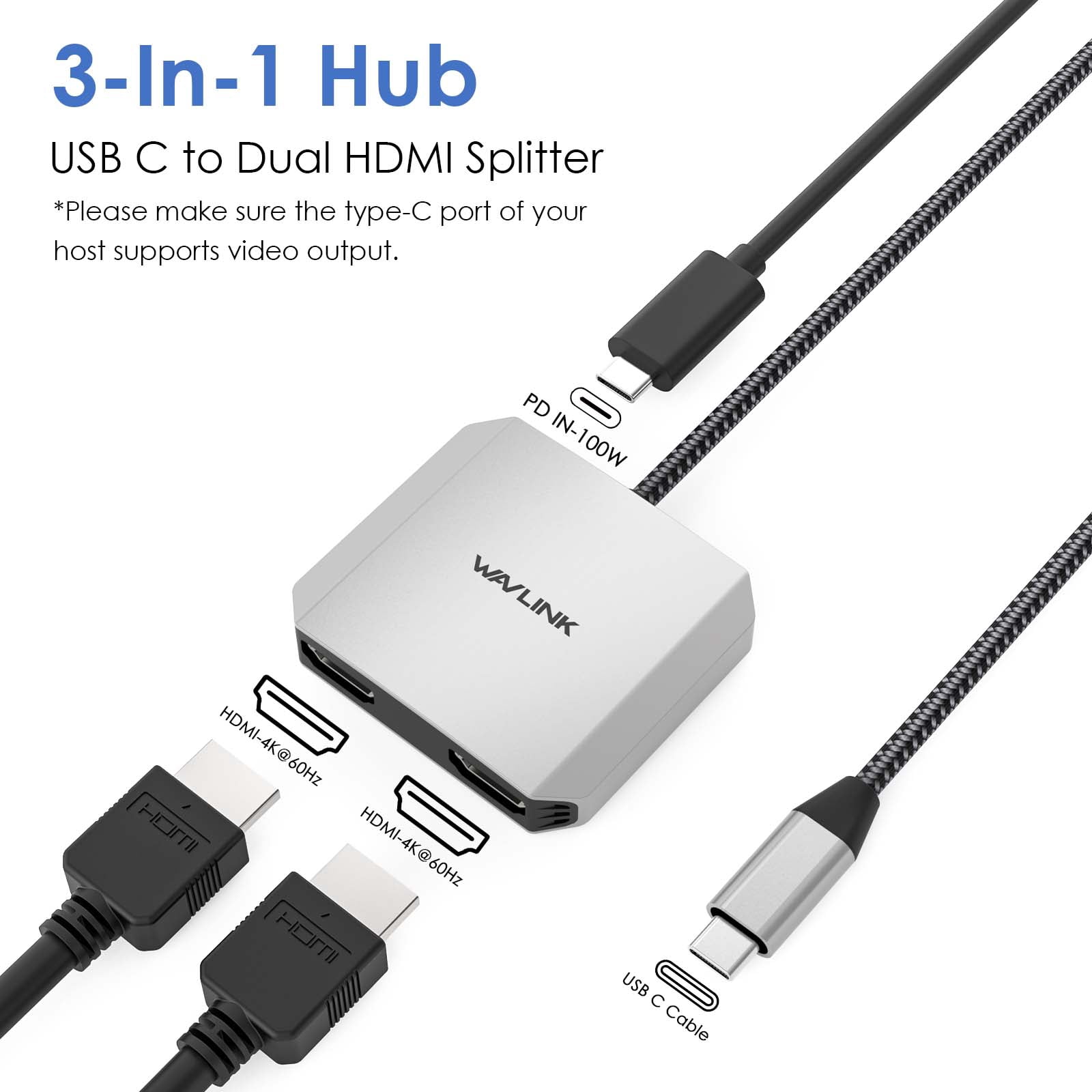
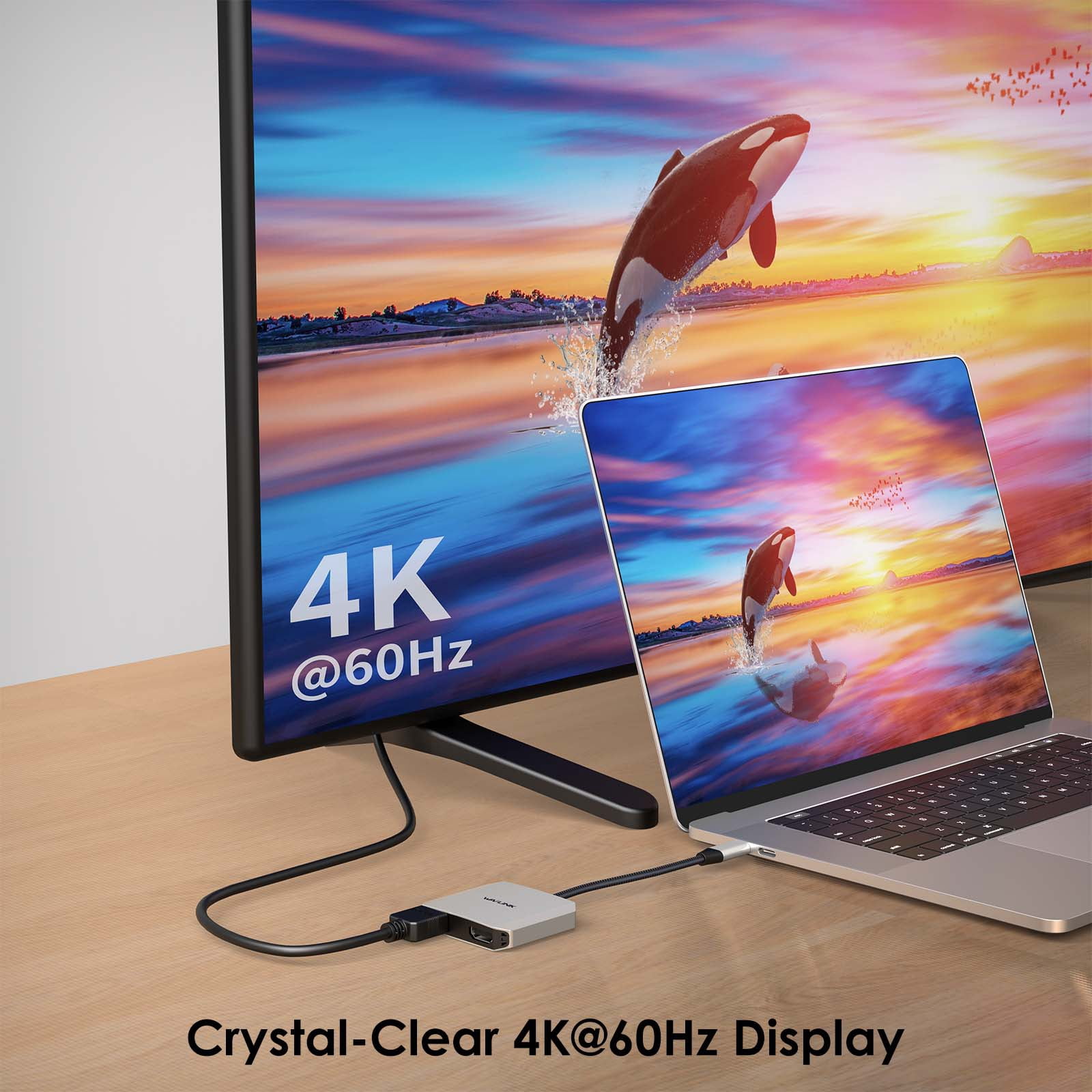
<b>USB C to Dual 4K HDMI Adapter 3-In-1 with 87W Power Delivery<br>Plug and play no need for any external drivers. This 3-in-1 USB-C to HDMI adapter supports a single 4K@60Hz display and dual 4K@30Hz displays, making it perfect for mirroring or extending your notebook's image/ video to an external display, such as a projector or HDMI-based monitor. Boasts a sufficient 87W power supply, the powered hub ensures the host stays charged throughout the day.</b><br><br><b>4K@60Hz Video Output</b><br>Designed for visual creators and game enthusiasts, the HDMI hub offers up to 3840x2160@60Hz resolution display that delivers a crystal-clear output, enabling you to enjoy high-quality videos and photos at their finest.<br><br><b>Systems/ Devices Compatibility</b><br>- Plug and play on Windows 11/10/8.1/8/7, Mac OS, Chrome OS, Linux, iPad OS, Harmony OS, Android.<br>- Works with your USB-C Desktop PCs, Laptops, Tablets/Mobile Phones.<br><br><u><b>Warm Tips:</b><br>-The type-C port of your host should support video output and charging to enjoy the full function of this hub.<br>-The charger and charging cable are not included.</u><br><br><b>How to Confirm if the Type-C Port of Your Laptop Supports Video Output and Charging?</b><br>* Step 1: Please check the model of your laptop, it should be on the back of the label;<br>* Step 2: Search “brand + the model number of the device + manual” in Google, for example: “asus ux435 manual”;<br>* Step 3: Check the manual and navigate to the view and check the type-c specification, if it states it supports power delivery which means it supports charging. If it states the type-c port supports display which means it could support video output. If the specification states bandwidth the type-c port supports only, which means the type-c port might not support video output and charging. You could also contact the manufacturer to confirm that.<br><br><b>Multiple Display Resolution (Max. Resolution)</b><br>* Notice: Please make sure the type-C port of your host supports video output.<br><br><b>For Windows(DP1.4/DP1.2)</b>1)Single Display: <br>HDMI1: 3840x2160@60Hz<br>HDMI2: 3840x2160@60Hz<br><br><b>2)Dual Display: </b><br>①HDMI1+HDMI2: 2x 3840x2160@30Hz<br>②HDMI1+HDMI2: 3840x2160@30Hz+1920x1080@60Hz <br>③HDMI1+HDMI2: 3840x2160@30Hz+2560x1440@60Hz<br>④HDMI1+HDMI2:2x 2560x1440@60Hz <br><br><b>For Mac OS(DP1.4/DP1.2)</b><br>1)Single Display: <br>HDMI1: 3840x2160@60Hz<br>HDMI2: 3840x2160@60Hz<br><br><b>2)Dual Display ("ABB"--only supports extend 1 external monitor with different content):</b><br>HDMI1+HDMI2: 2x 3840x2160@60Hz<br><br>
- Enjoy stunning 4K@60Hz video output for high-quality visuals and immersive entertainment experiences.
- Quickly power up your device with the powerful 87W power delivery charging, ensuring your laptop or mobile device stays charged throughout the day.
- Customize your display setup with the ability to mirror, extend, rotate, or use clamshell mode, making it perfect for work presentations, gaming, and movie watching.
- Widely compatible with a variety of operating systems, including Windows, Mac OS, Chrome OS, Linux, iPad OS, Harmony OS, and Android, allowing you to use this adapter with your USB-C desktop PCs, laptops, tablets, and mobile phones.
- Backed by a 30-day money-back guarantee, 30-90 days replacement, and 90 days to 12 months warranty, ensuring your satisfaction and peace of mind.
| USB ports | 1 |
|---|---|
| Transfer rate | 5 Gbps |
| Usb version | USB-C |
| In/Out type | HDMI |
| Inputs/Outputs | USB-C, Dual HDMI |
| Number of ports | 3 |
| Brand | Rui Chuang |
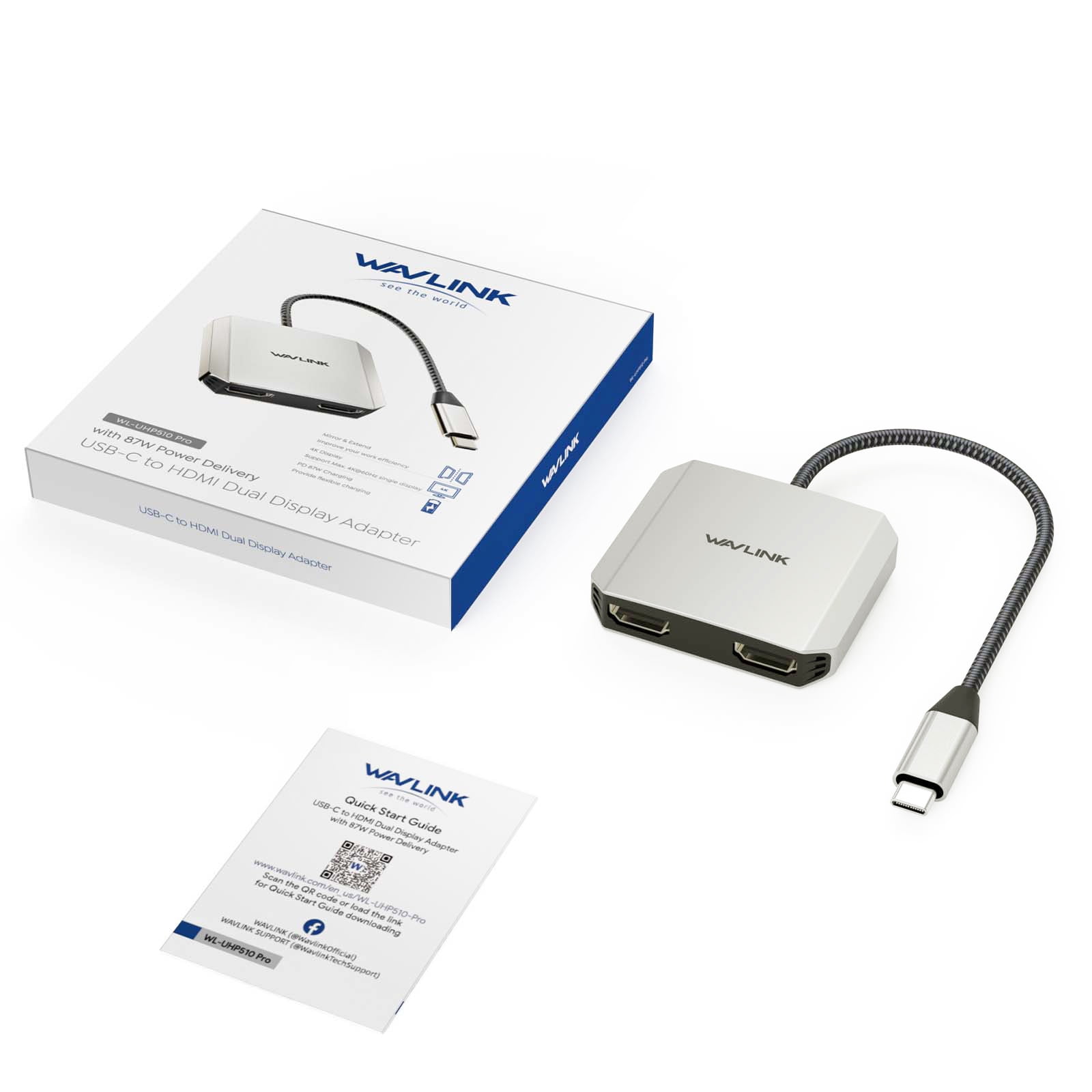
| Accessories | USB to Dual HDMI Adapter, Quick Start Guide |
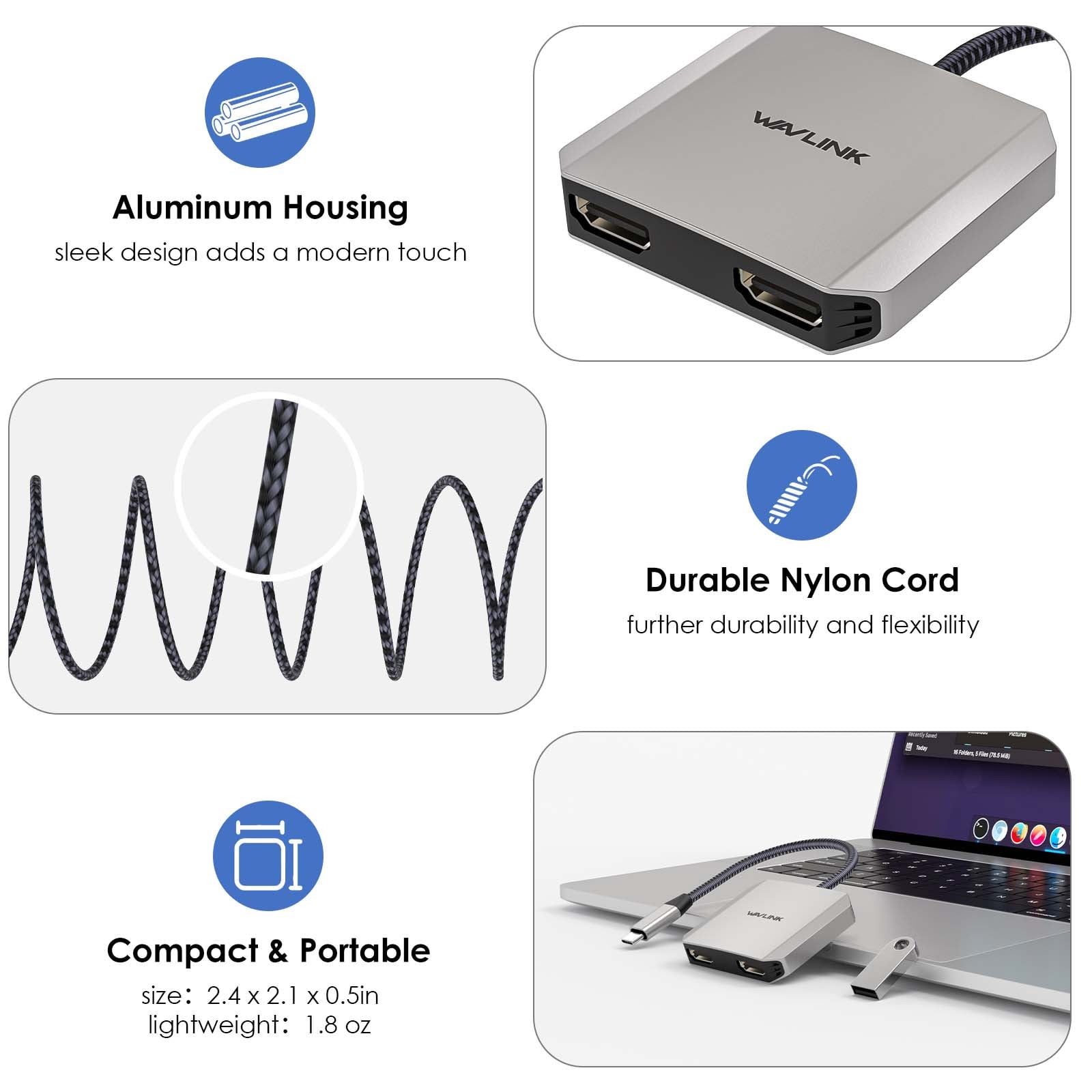
| Height | 0.5 in |
| Weight | 0.11 lb |
| Model name | UHP510Pro |
| Pieces | 1 |
| Input/output direction | Output |
| Retail packaging | Set |
Bestseller ranking
Computers


Customers who viewed this product also viewed
Remote Control Extenders


Correction of product information
If you notice any omissions or errors in the product information on this page, please use the correction request form below.
Correction Request Form